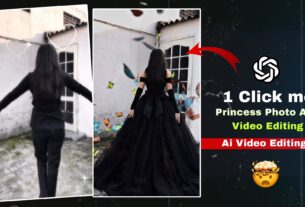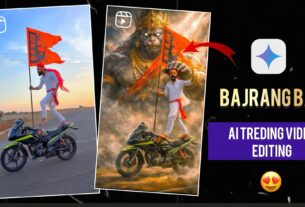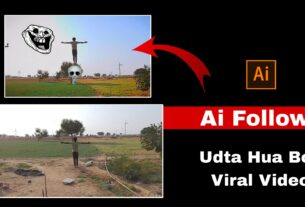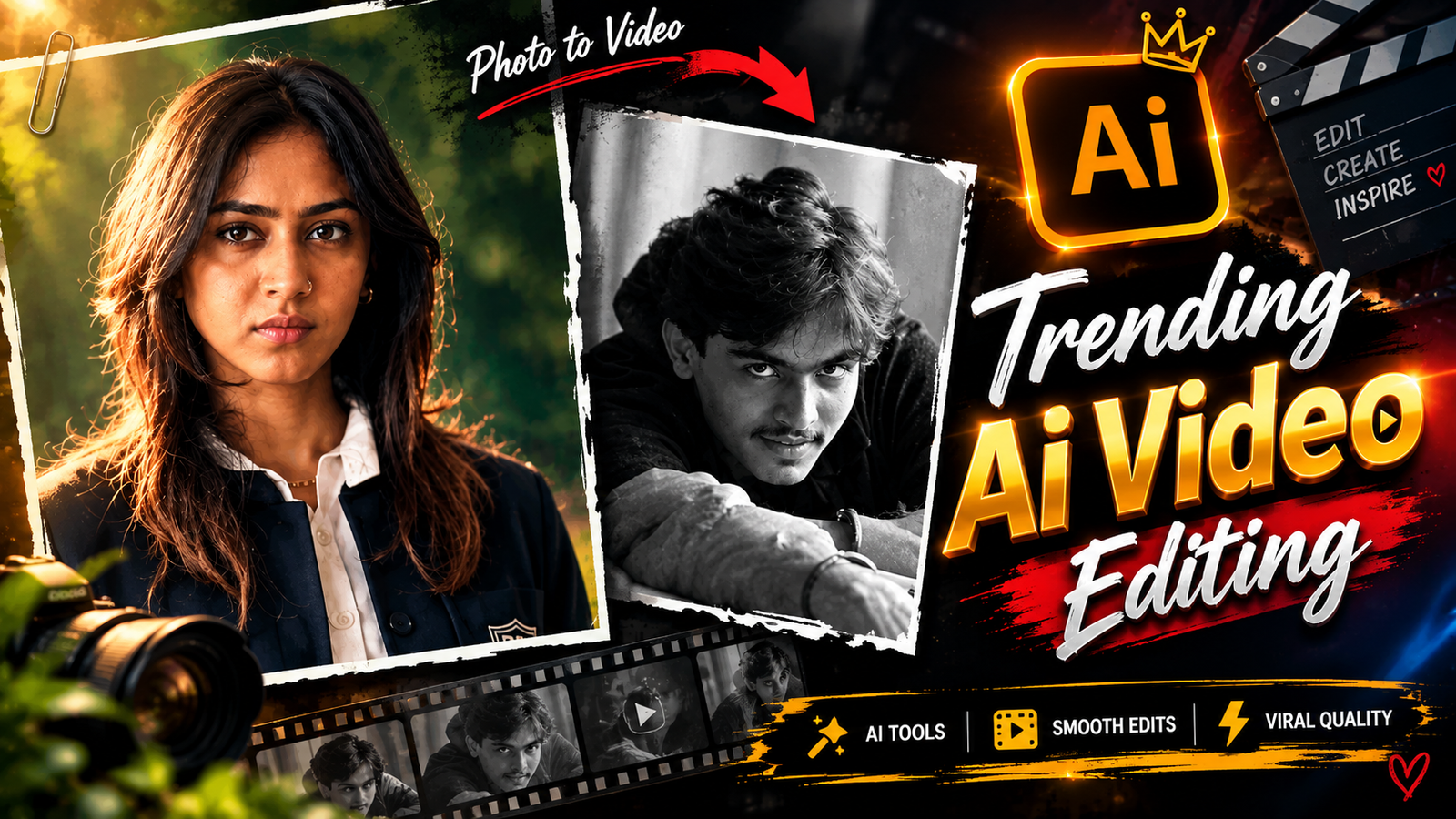
Trending AI Video Editing New Viral Reels Tutorial 2026 – So friends, another new trending video has come on Instagram, it is going viral very much, it is becoming so viral that you cannot even imagine, this type of AI video editing has created a lot of buzz on Instagram and Facebook, on this trend many people are already saying that how will I make such a video, on this it is like this that if you make your own video then there is a very high chance that your video will get 1 to 2M views, so how have you made this type of AI video, then I will tell you everything about how to make a video, so first of all you will have to do what I am telling you So I will tell you step by step
Trending AI Video Editing 2026 | New Viral Reels Tutorial
Trending AI Video Editing New Viral Reels Tutorial In this I will tell you that it will take a lot of hard work for you to do this editing, so firstly I will tell you that you can edit this type of editing in less time and in less time, no effect, no transaction, no cut out effect, if you will apply all these effects etc. then it will take a lot of time and a lot of hard work, so I am saving your time and hard work, come I will tell you later
AI + Movie-Type + Viral Reels + Trending Editing
Friends, this is the new trending video editing. You all must be thinking that it will take a lot of hard work to make this video, it is not so, I will just tell you with the help of an AI how to make it, that too in less time, it is totally very good, many people want to use it and in this it seems like the video is looking like a movie type and many girls come in it but the boy goes and sits quietly within his ego, in the end it seems that a cut out effect has been applied but it is not like that, it is made with AI.
Video Prompt 👇🏻
Create a 10-second vertical 9:16 photorealistic devotional video, 24 fps, with cinematic detail, warm natural light and one continuous frontal tracking shot. SINGLE PHOTO INPUT Use the uploaded photograph of the girl as the sole reference for her identity and facial expression. Construct the complete scene described below from text. The uploaded photograph is an identity reference, not a picture to display before the scene. Only one human girl appears. HIGHEST PRIORITY – FACE AND EXPRESSION Preserve the uploaded girl’s recognizable face, exact age, facial proportions, skin tone, eyes, nose, lips, cheeks, jawline and hairline throughout the video. Maintain the photograph’s precise facial expression: the same smile intensity, mouth opening or closure, visible teeth, lip corners, cheek tension, eyebrow position and emotional look. If the photograph has a neutral expression, retain it; if she is smiling, retain that exact smile. Keep her head orientation close to the reference. No talking, lip-sync, widening smile, laughing, surprised eyes, eyebrow acting, beauty filtering or face reshaping. Maintain a stable, reference-matched face across every frame. Create liveliness through the surroundings, scooter movement, fabric and subtle torso breathing without changing her expression. Her identity must remain completely separate from Ganesha.COMPOSITION AND STYLING The girl sits at the front of a glossy bright-pink vintage Indian scooter, upright, both hands naturally holding their respective black handlebar grips. Dress her in a modest child-sized red silk saree with rich gold floral brocade, a broad gold border and matching short-sleeved blouse. Add small gold jhumkas, a delicate gold necklace, red-and-gold bangles and a tiny red bindi. Arrange her dark hair loosely, with small white flowers at one side, preserving her recognizable hairline and unobstructed face. A gentle, child-sized Lord Ganesha rides immediately behind her, visible on screen-left beside her head. Give him a distinct elephant face, large soft pink ears, a curled trunk, small tusks, an ornate gold crown with a green jewel and peacock feather, a yellow dhoti, red-and-gold shawl and gold ornaments.
Use The Right Photo for AI Video | Best Photo Selection Tips
This video editing is made from a photo and how is it made, let me tell you, first of all you have to take a good photo of yourself which is clear, that means a straight photo and not on the side, the photo should be straight and clear, of the face, only then your video will be made, you have to read the article carefully and I have explained it in a very easy way, come I will explain step by step
- First, you need to visit my website.
- You’ll see a post here; click on it.
- You need to scroll down a little and copy the front of the Fir
- You’ll see a generate video here; click on it.
- Click on new project. For add your photo from here.
- Add the reflex video along with the photo.
- Paste the prompt you copied here.
- Paste and click the send icon.
- Fir will take a little processing here.
- Your video banker will be ready. Save the video to your gallery.
Conclusion
Trending AI Video Editing New Viral Reels Tutorial 2026 I hope that you all have learned it easily, I have told you all in a very easy way how to make this AI video editing, if you keep reading the article then there is a 100% chance that you all will learn to make such AI video, see whatever I tell you, I tell you all that in real, if you also want to learn to make ISI style video then you will have to stay on my website forever, till then thank you.